
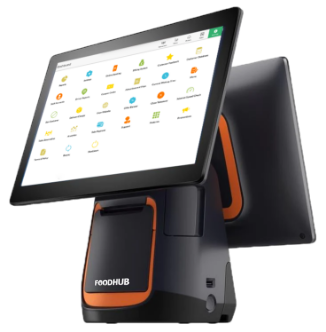
POS · dual display
POS Pro
The dual-screen till: you take the order, the customer watches it build.
- 15.6" Full HD touchscreen
- Dual screen
- 80mm thermal printer built in
- Wi-Fi and Bluetooth
- Optional 4G
Foodhub for Business is now Touch2Success.
Interactive 3D
Turn the restaurant around, step inside, and click a dot to see the device and the app that runs it. Or place a live order and follow it from the POS to the kitchen.
The line-up
One or two standout devices per job. Click any of them to see it in place in the restaurant, running the Touch2Success apps.
POS · dual display
The dual-screen till: you take the order, the customer watches it build.
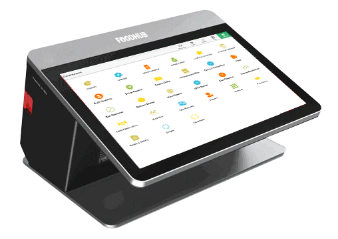
POS · single display
A compact all-in-one till with its own printer, for smaller counters.
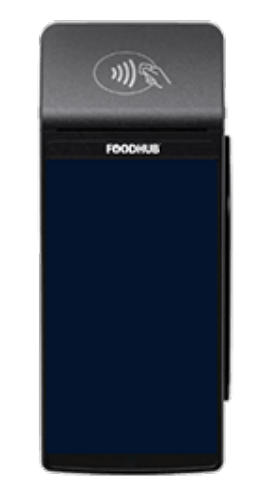
Payments · with display
A card terminal with its own screen and receipt printer.
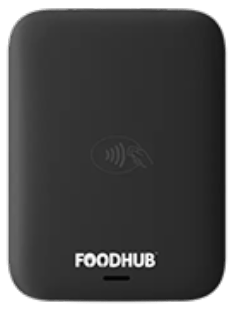
Payments · pocket-sized
A pocket-sized card reader for chip, tap or swipe.
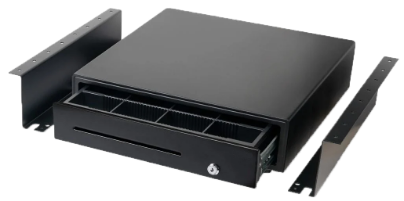
Accessories
Opens from the till when a cash sale completes.
Signage
Menus, offers and video on the big screen.
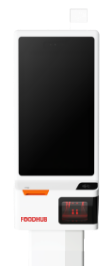
Kiosk · floor-standing
Floor-standing self-ordering: browse, order, pay and print a receipt.
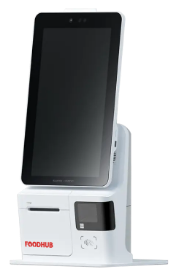
Kiosk · countertop
Self-ordering for the countertop, on a 15.6-inch screen.
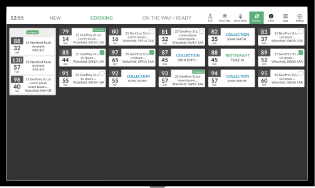
Kitchen
Every order on screen in the kitchen, the moment it is placed.
Printing
Kitchen tickets and receipts in seconds.
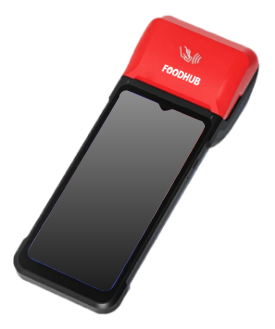
Handheld POS
Take the order and print the ticket right at the table.
How it works
Customers order at the kiosk, the counter, the table or online. Every order lands on the Touch2Success POS.
The kitchen display and the kitchen printer get each order the moment it is placed, table rounds included.
The till sends the total to the Pocketpay terminal, and approved payments close the order.
The software
The same Touch2Success apps run across the line-up, all set up from one place.
Collection, delivery and table orders on the till, with online orders arriving on their own.
The full menu with photos, set up per kiosk from Kiosk Settings.
Every order in one list, ageing from green to red so nothing waits too long.
Menus, offers and video on the TVs, scheduled from a playlist.
Get started
Talk to the team about the right set-up for your restaurant. Devices in the 3D restaurant are illustrations; see each product page for its full specification.