
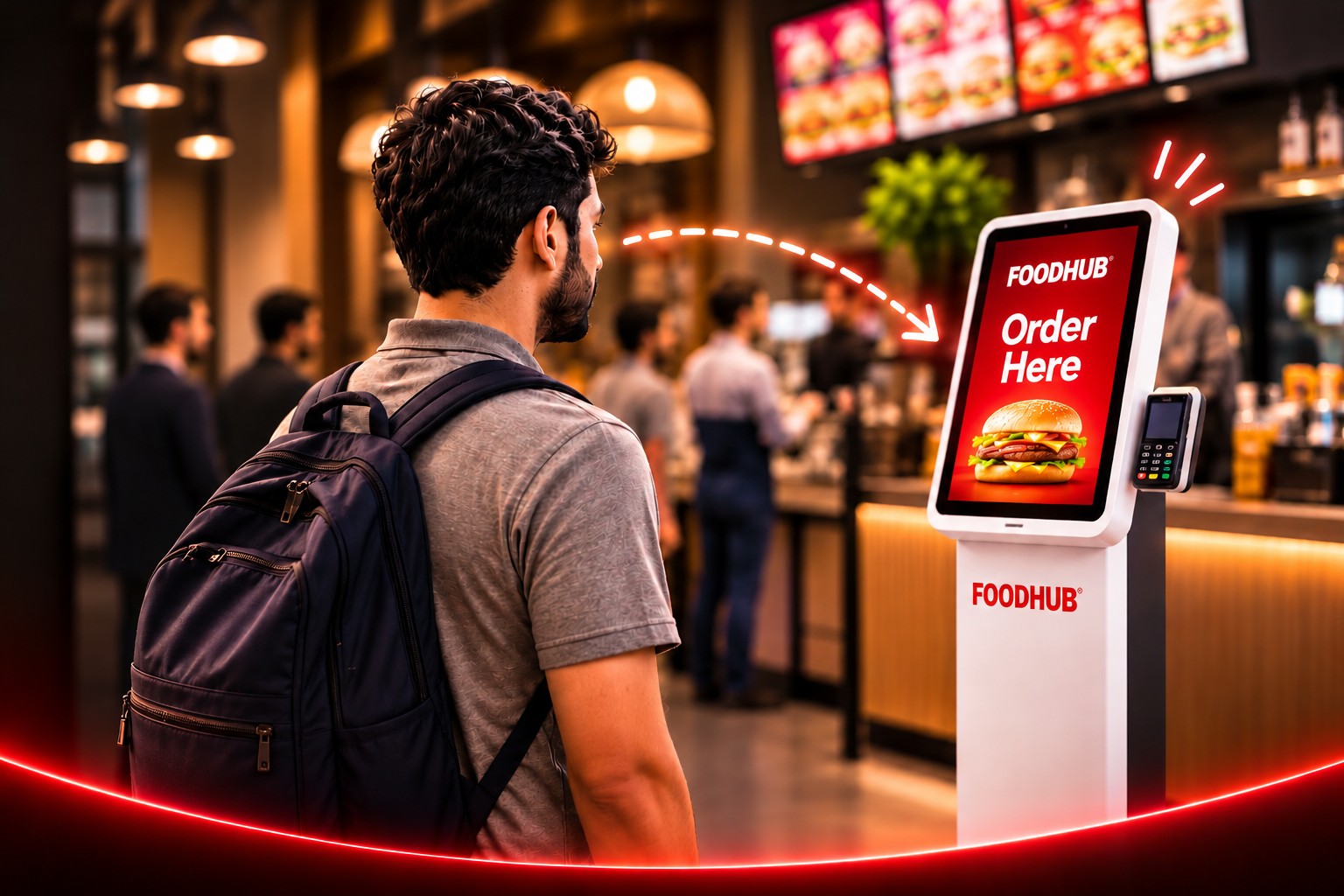
Another till that never breaks
Every kiosk takes orders in parallel with the counter, so the queue stops being the limit on how many people you can serve in an hour.
Foodhub for Business is now Touch2Success.
30,000+
restaurants run on Touch2Success worldwide


WHY A KIOSK
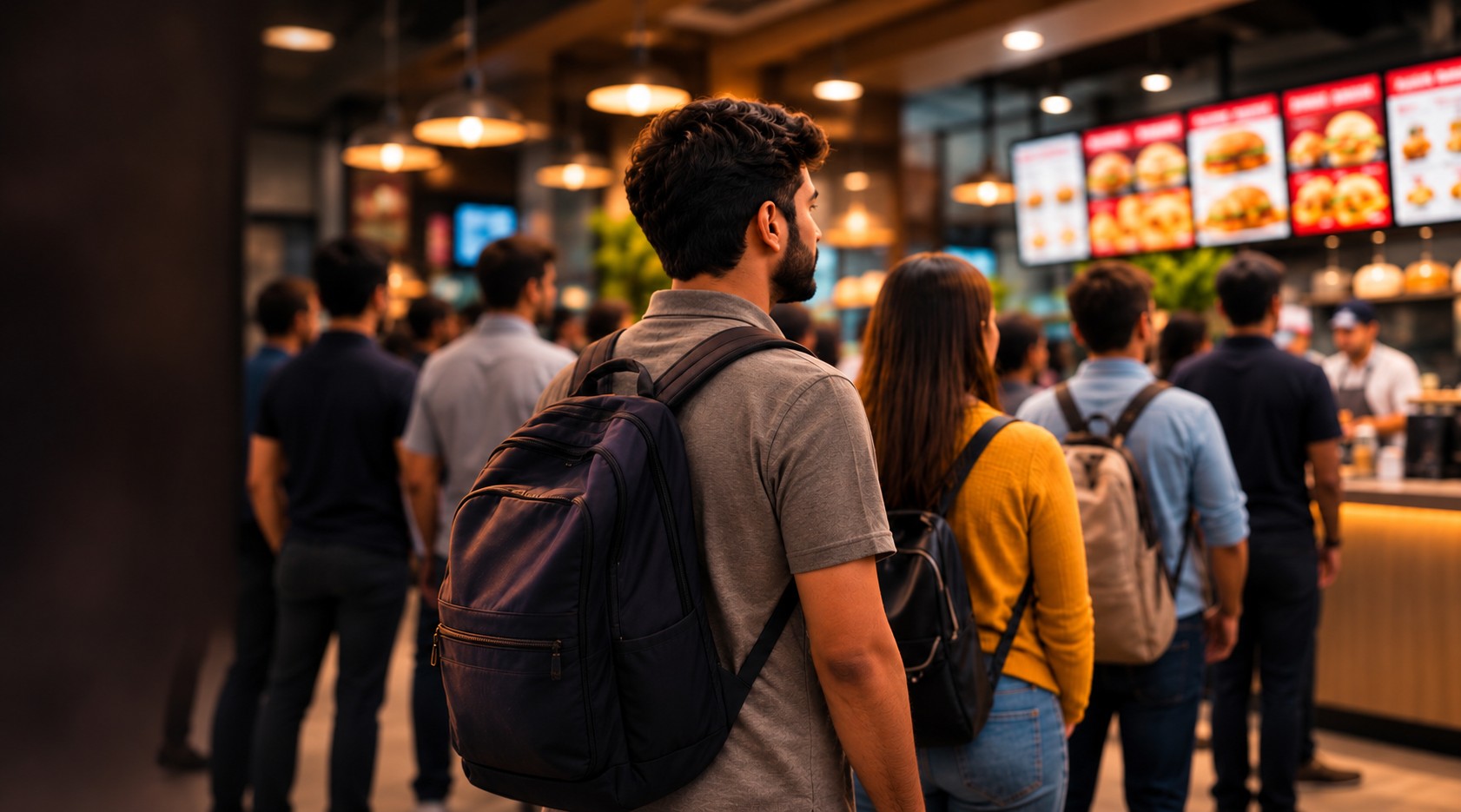
Every kiosk takes orders in parallel with the counter, so the queue stops being the limit on how many people you can serve in an hour.
Recommendations, meal deals and priced extras appear at the moment of choice, on every order, without anyone having to remember to ask.
Customers pick their own modifiers and see the order on screen before paying, so what reaches the kitchen is what they meant.
INTERACTIVE DEMO
Every screen below is the demo itself, running. Take it over at any point and finish the order yourself.
Categories down the side, photographs and prices in the grid. The same menu the till uses, so a price change happens once.
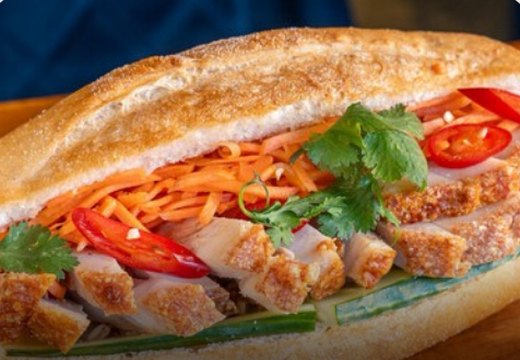
Baguette · Banh Mi
 1x2x
Modifier groups open as a sheet over the menu. Required groups have to be answered before the item can be added, and optional ones can be capped.
Roasted Duck Banh Mi
£13.90
A fresh, crusty French baguette lathered with creamy egg mayonnaise and pâté, with crunchy pickled carrot and daikon.
Please select any one of the following
✓ Required
Please select the extras if required
Optional
Choose up to 3
Make it a meal
Optional
Choose up to 2
The basket shows exactly what was chosen and what it costs before anyone pays. Charges are itemised rather than rolled into a total.
Basket & Payment
Total: £33.17
1x Roasted Duck Banh Mi
With chilli, Add fried egg
£15.90
2x Cha Gio · Crispy Spring Rolls
£13.80
Add tip
Bill Details
BUSINESS BENEFITS
Order-taking moves to the kiosk, so the team spends its time making food and running the pass.
Add a second kiosk and you add capacity without adding a till or a shift.
No mis-heard modifiers, no re-keying between systems, no handwriting to interpret.
The kiosk reads the menu you already keep on the till, so a price change happens once.
Settings apply to every kiosk in the store, with a preview of each change before it is made.
Kiosk mode locks the device to the app and updates roll out remotely, in stages.
HARDWARE
Both run the same kiosk app against the same menu. Choose on footprint and whether you need printing and payments on the unit itself.
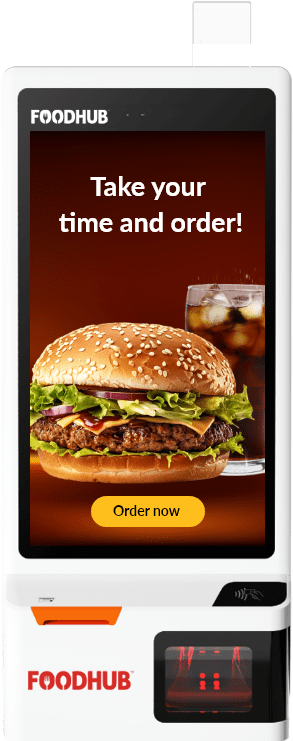
The full self-service unit, with printing and payments built in.
Best for: Busy sites that want one machine to do the whole job
SOFTWARE
Every panel below is the real interface, drawn to the values the kiosk ships with.
A required group has to be answered before the item can be added. Miss one and the kiosk says so, in that order's own words.
Not yet chosen
Chosen
Add pressed too soon
Extras are priced on the row, capped where you want them capped, and added without anyone having to remember to ask.
Choose up to 3
Chip and PIN, contactless and QR on the unit itself, with cash at the counter when you want it.
Diet and allergen information sits on the item, with the full matrix a tap away, and the notice is on every basket.
Allergen Info
Contains gluten, egg, soya. Prepared in a kitchen that handles nuts.
IN THE ROOM
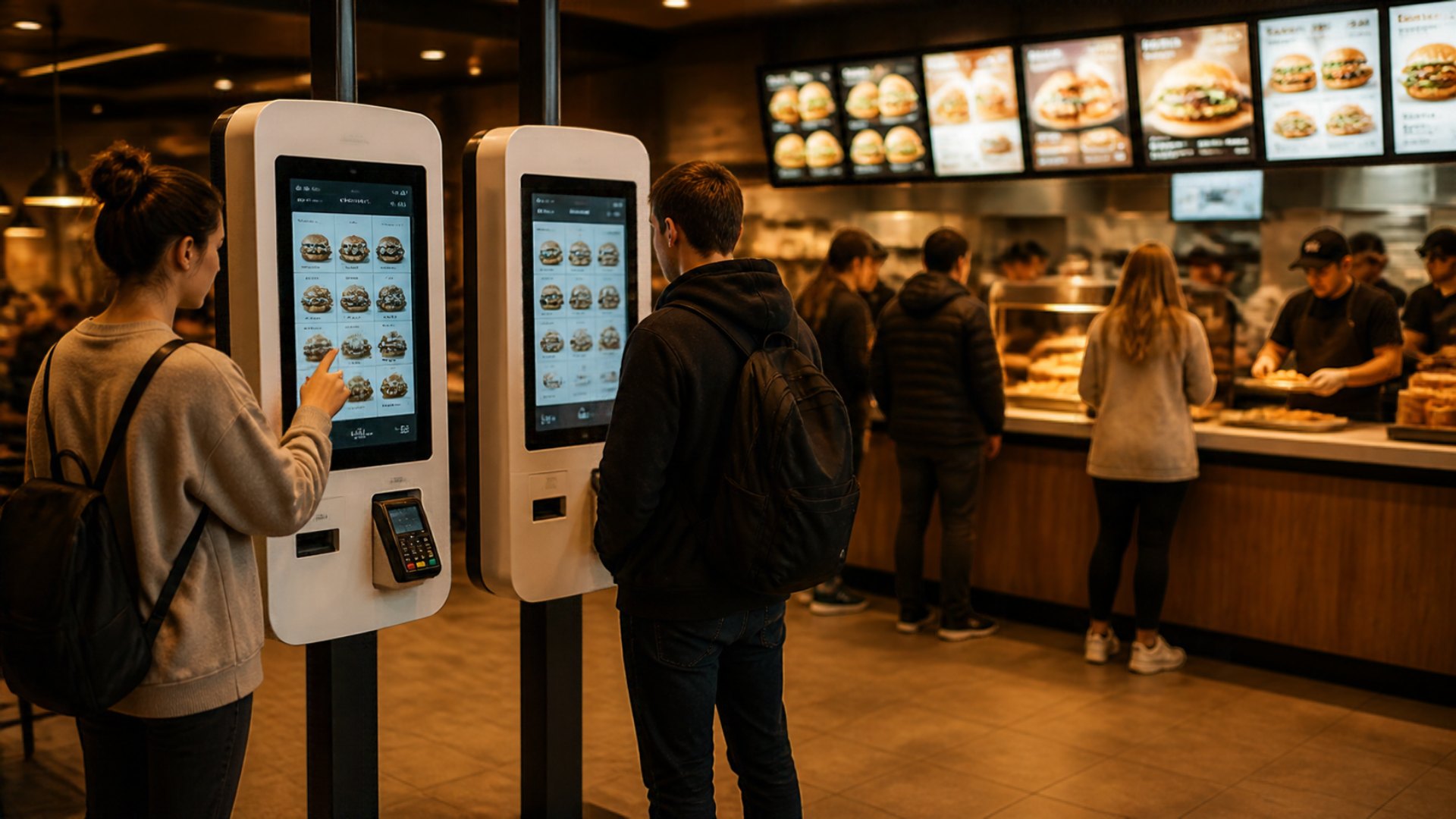
Orders are taken in parallel with the counter, so the queue stops being the limit on how many people you can serve in an hour.
30,000+ restaurants run on Touch2Success worldwide
RESTAURANT SOLUTIONS
Short menus, fast repeat orders and a queue that moves at lunchtime.
Add a second unit and you add capacity without adding a till or a shift.
Dine-in table numbers and order-progress screens, so guests sit down sooner.
Guests pick a table number at checkout and the ticket carries it to the kitchen.
Pre-show rushes handled without adding tills, with collection by buzzer.
An attract screen pulls people in between rushes, then buzzers clear the counter.
One kiosk can serve several stores, which suits shared seating and multi-brand sites.
Multi-store mode lets one unit switch between brands, wiping the basket between guests.
Retail mode swaps menu browsing for the built-in barcode scanner for packaged goods.
Scan the barcode on a packaged item and it goes straight into the basket.
Add-on heavy menus, where picking toppings on screen beats describing them at a counter.
Capped modifier groups keep a build-your-own menu from becoming a conversation.
CONNECTED
Kiosk orders are not a separate stream. They land in the same till, the same kitchen queue and the same reports as everything else.
01
Kiosk
The customer orders and pays
02
EPOS
Priced and taxed on the till
03
Kitchen
A ticket on the display
04
Collection
The buzzer goes
TECHNOLOGY AND RELIABILITY
Orders continue through a brief loss of connection and sync when the line returns.
Adyen runs locally to the terminal for speed, with automatic fallback to Adyen cloud if the local route fails mid-transaction. Stripe, Optomany and PAX A920 are also supported.
Releases roll out remotely and in stages, so a bad build never reaches every site at once.
Network, printer and terminal checks run on the kiosk itself, so a support call starts with facts.
Kiosk mode keeps customers in the ordering experience and out of the operating system.
Change a setting once and every kiosk in the store follows, bar the few marked for a single device.
THE RESULT
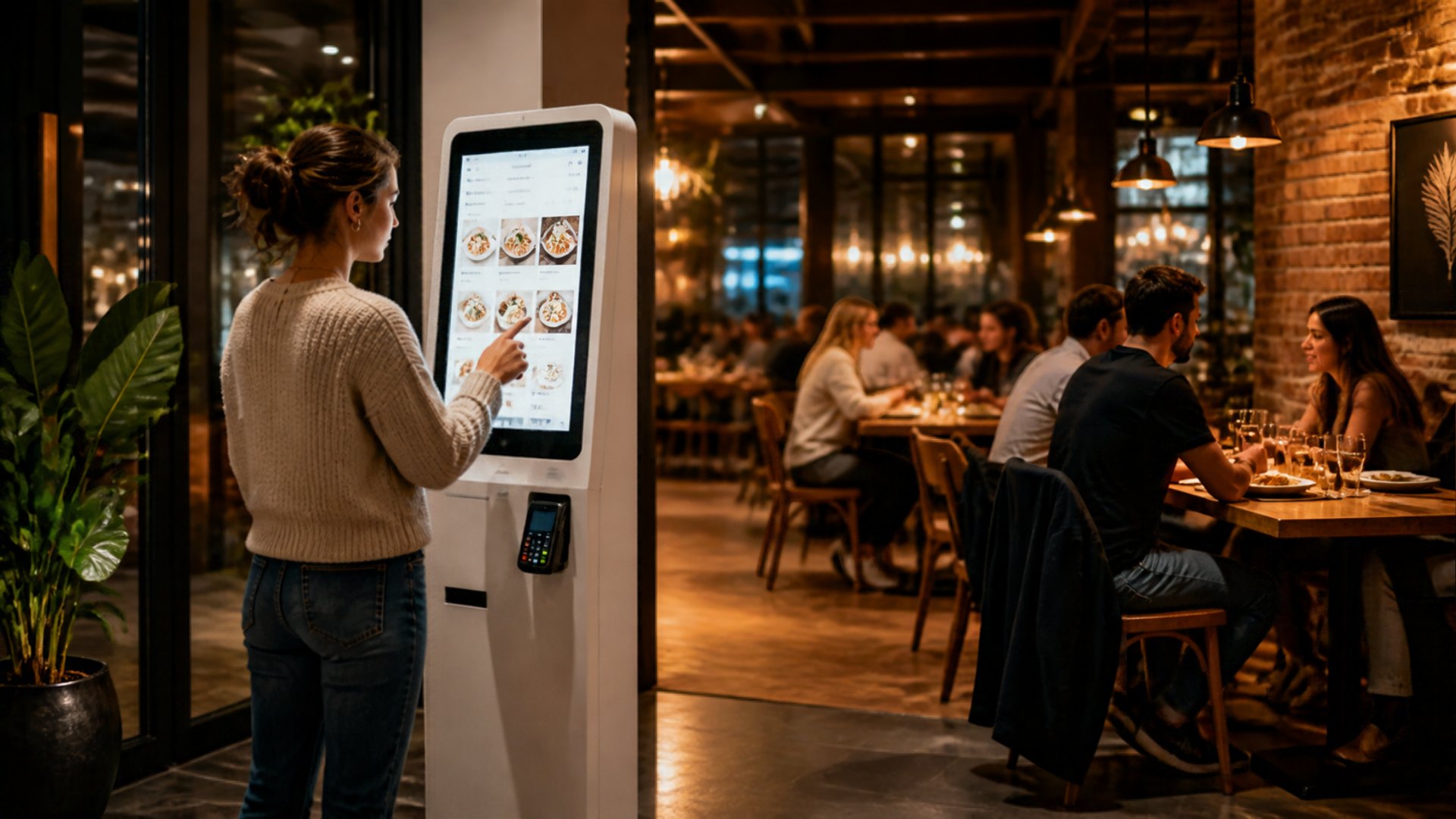
Order-taking moves to the kiosk, so the counter stops being the limit on how many people you can serve in an hour.
Book a demoBOOK A DEMO
We will load your menu onto a kiosk and walk the whole journey with you — ordering, add-ons, payment, and the ticket landing in your kitchen.