
01Modifier styles
Small changes, big and bold
Colour any keyword (no, extra, less, on side) and every matching modifier is highlighted, so 'less ice' never gets lost in the rush.
- Set a colour for any keyword
- No, extra, less and on side stand out
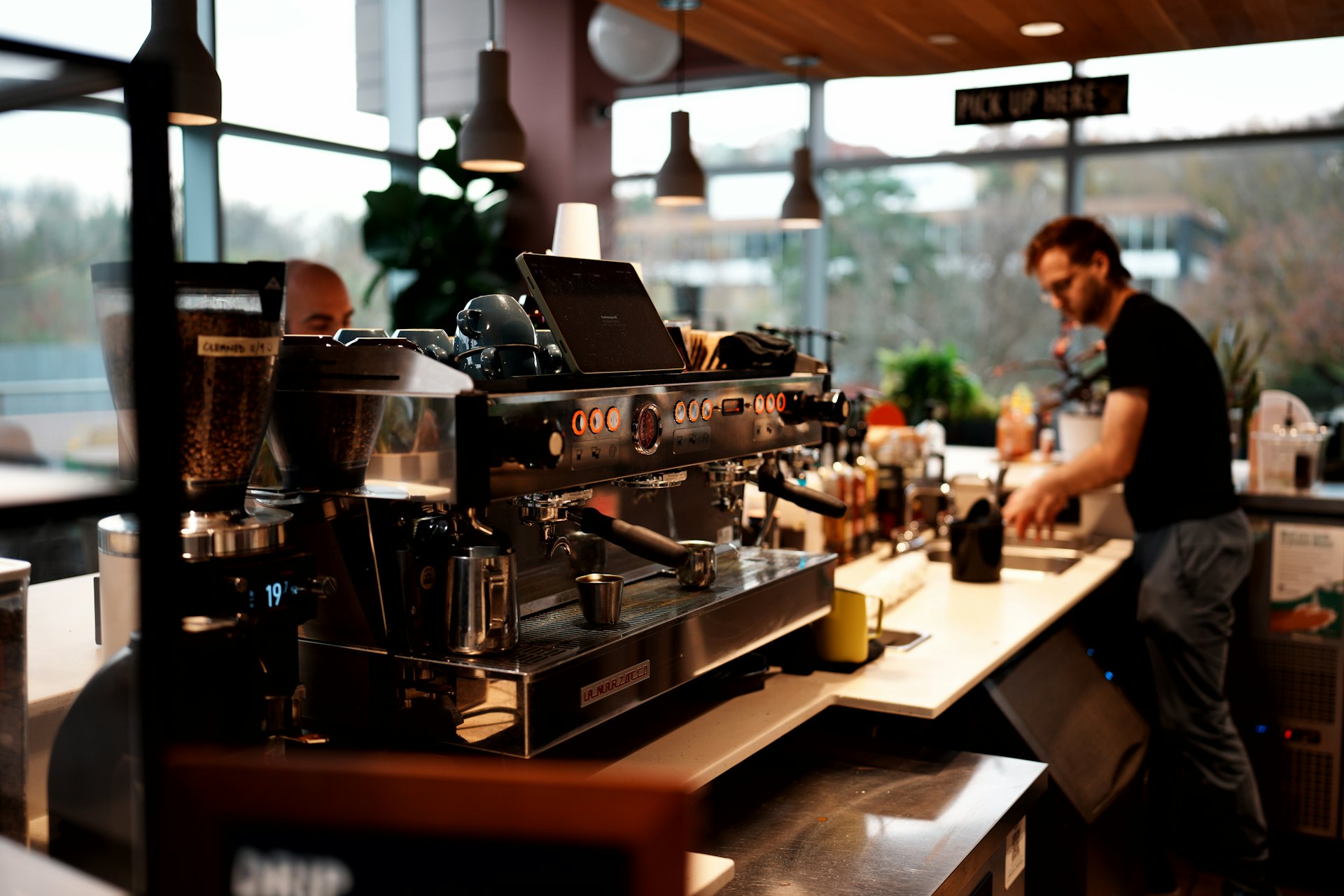
Oat milk, less ice, sauce on the side. Touch2Success KDS keeps every order clear and moving, so the counter stays calm even when the queue is out the door.



 and more
Touch2Success KDS for cafés
Colour any keyword (no, extra, less, on side) and every matching modifier is highlighted, so 'less ice' never gets lost in the rush.
Tickets turn yellow, then red, as they run late, so the team can see at a glance which order has waited longest.
Set the KDS to English, Spanish, French, Albanian, Chinese or Turkish, and add a second language for the kitchen.
Print on receive or when it's ready. Every sticker carries the order number, the item and its modifiers.
Walk-ins through your till, pre-orders through your website and app, and delivery partners. One queue for all of it.
See how much leaves on time across every order as the shift happens, so you know how the morning rush really went.
The Setup Wizard gets your screens running on your own menu, so you can be live before the next morning rush.
In every kitchen
Whatever you cook, every Touch2Success KDS screen comes with the same essentials.
Book a demo and we'll show you Touch2Success KDS running on your own menu.
Book a demoThe Setup Wizard gets your screens and stations running fast.
Get a quoteDelivery partners, your till, website and app, all in one queue.
See integrationsAlso built for
For cafés
Book a demo and we'll show you Touch2Success KDS running on your own menu, with your own orders.
Book a demo English
 Español
 Français
 Shqip
 中文
 Türkçe